Stories That Move: Layered Web Maps for Tours

Today we dive into layered web maps for story-driven tours, exploring how stacking basemaps, data overlays, and narrative cues can guide travelers through places and time. Expect practical guidance, real examples, and friendly prompts to try, share, and subscribe, while discovering respectful, community-centered approaches.

Designing the Narrative Spine

Build a compelling path by sequencing scenes, questions, and reveals along a map-based journey. Layer points, lines, and regions to pace discovery, weaving context before detail, and surprise after familiarity. We share planning templates, story beats, and examples that spark responsible, place-sensitive storytelling and active audience participation.

Choosing the Right Basemap

Favor neutral tones that highlight overlays, unless historical context requires period styling. Ensure labels are legible at anticipated zoom levels, and test multilingual names where relevant. Avoid visual competition with data; the base should support orientation, not dominate attention or distort interpretation, especially when landmarks anchor memory.

Designing Symbol Systems

Create consistent icon families, stroke widths, and marker sizes that remain readable across devices. Use color intentionally, checking contrast ratios and colorblind-safe palettes. Differentiate categories with shape and texture, reserving saturation for highlights, and introducing motion sparingly to emphasize moments without exhausting users or screen readers.

Layer Ordering and Hierarchy

Stack reference layers below interactive elements so clicks and taps prioritize what matters. Reduce opacity on context polygons, elevate critical paths, and allow hover states to reveal secondary detail. Maintain consistent z-index logic, simplifying complexity as readers progress and expectations sharpen across scenes, checkpoints, and transitions.
Data Preparation and Version Control

Establish a tidy schema with unique identifiers, timestamps, and provenance notes to track edits across layers. Store source files in repositories, using branches for experiments and pull requests for review. Document changes in changelogs so collaborators understand history and can revert confidently, preventing regressions and confusion later.

Tiling, Hosting, and Caching

Decide when vector tiles beat GeoJSON for performance, and configure servers or platforms with appropriate cache headers. Pre-generate tiles for dense layers, enable HTTP compression, and measure cold versus warm loads. Plan graceful fallbacks so content remains usable during network hiccups or outages, including offline-ready bundles where feasible.

Scrollytelling, Slides, and Stops

Choose between scroll-driven progress, step-by-step slides, or manual stop selection based on audience context and devices. Provide clear affordances for pausing, rewinding, and skipping. Respect attention by limiting animated transitions, and always let users reorient with a persistent locator or mini-map, plus reset-to-start controls.

Meaningful Hover and Click States

Design hover, focus, and click states that reveal more without hiding essentials. Tooltips should be readable on touch and mouse devices, with accessible triggers and dismiss actions. Summaries first, details on demand, and a consistent escape route that never breaks reading flow or orientation within the map.

Wayfinding and Orientation

Combine breadcrumb navigation with dynamic overview maps, compass indicators, and scale bars to anchor readers. Offer quick recenter controls, current location when appropriate, and time-of-day cues. Reinforce context after transitions so people always know where they are and what changed, even after deep dives.


Media, Memory, and Multisensory Layers

Strengthen connection by pairing maps with archival photos, narrated audio, short video, and ambient soundscapes. Calibrate media weight so downloads stay reasonable, and add transcripts plus alt text. Use time sliders, swipe comparisons, and 3D scenes carefully to enrich, not overshadow, lived context and local voices.

Accessibility, Inclusion, and Safety

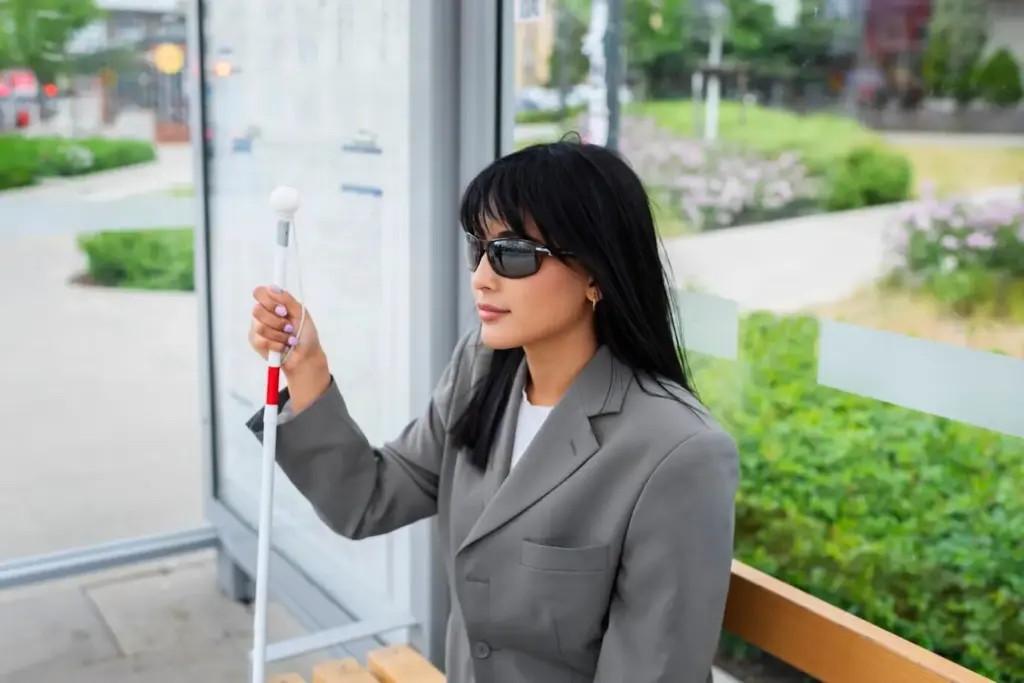
Design for everyone by embracing WCAG guidance, inclusive language, and predictable interactions. Provide keyboard navigation, screen reader structure, high-contrast palettes, and descriptive alt text. Offer content warnings where necessary and route information about lighting, sidewalks, terrain, and access hours to support safe choices and comfort.

Measuring Impact and Iterating with Community

Understand what resonates by observing completion rates, dwell time on key stops, and comments that reveal confusion or delight. Pair analytics with interviews and onsite observation. Share roadmaps openly, invite suggestions, and celebrate contributions by crediting fixes, new layers, and local knowledge generously.
Collect only essential metrics, anonymize identifiers, and provide opt-out choices. Prefer on-device events over persistent profiles, and publish your data policy in plain language. Use aggregated insights to improve clarity, not to surveil movement, and delete raw logs on a predictable schedule with accountability.
Host periodic workshops, mapathons, or walking sessions where participants annotate inaccuracies, propose stops, and share memories. Provide simple contribution forms with moderation guidelines. Credit each accepted edit, and invite ongoing collaboration through newsletters and issue trackers that turn ideas into prioritized, transparent tasks everyone can follow.
Test alternative openings, color systems, and interaction prompts with small cohorts before wide release. Track comprehension of key messages, not just click rates. Keep experiments time‑boxed, announce them clearly, and roll back quickly when results show confusion or unintended consequences for visitors and communities.
Tepilixaxupazifokaze
Privacy Overview

This website uses cookies so that we can provide you with the best user experience possible. Cookie information is stored in your browser and performs functions such as recognising you when you return to our website and helping our team to understand which sections of the website you find most interesting and useful.